
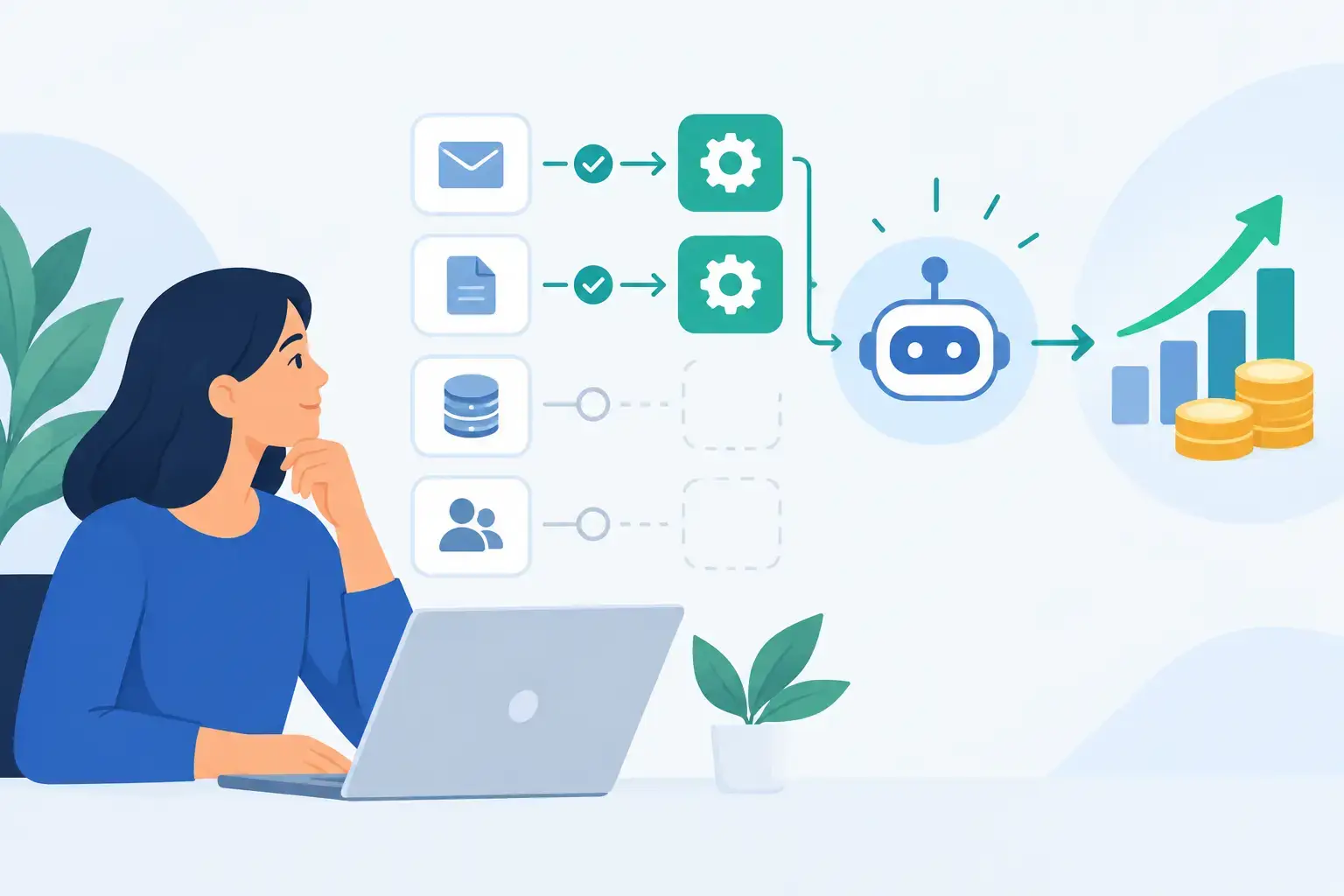
A founder sees the same request surface every week: automate the follow-up emails, add an AI assistant, connect the CRM, rebuild the reporting process. All may be useful. But when budget and technical capacity are finite, the real question is which software tasks automate first - and which ones should wait.
The right starting point is rarely the most visible or technically impressive workflow. It is the workflow where repetitive effort, costly errors, and clear business value intersect. For a growing company, that usually means reducing operational drag before pursuing broad transformation. The aim is not to automate everything. It is to create measurable capacity for revenue, customer experience, and better decisions.
Which Software Tasks Automate First? Start With Economics
A sound automation roadmap begins with business economics, not a tool shortlist. Ask how much time a workflow consumes, what mistakes cost, how often it occurs, and whether improving it affects revenue, margin, retention, or compliance.
A simple prioritization model works well: favor processes that are high-volume, rules-based, stable enough to document, and easy to measure. A weekly task that takes one person 20 minutes may not justify custom development. A task repeated hundreds of times a month across sales, operations, or customer support often does.
This is where teams commonly get stuck. They choose processes that frustrate employees most, even when those processes are complex, constantly changing, or dependent on judgment. Frustration matters, but it is not a sufficient investment case. Automating an unclear process simply makes unclear work happen faster.
Before building anything, estimate the baseline. Track the number of requests, average handling time, error rate, handoffs, delays, and downstream impact for two to four weeks. You do not need perfect data. You need enough evidence to compare opportunities and set a realistic success metric.
The Best First Candidates for Automation
The strongest early candidates tend to sit around predictable handoffs between systems and teams. They have repeatable inputs, defined outcomes, and a clear owner who can validate whether the automation is working.
Lead routing and follow-up
When qualified leads wait in a shared inbox or spreadsheet, speed becomes a revenue issue. A first automation can capture an inquiry, enrich basic information, assign an owner based on territory or account rules, create the CRM record, and trigger an appropriate follow-up.
The value is not just time saved. It is fewer missed leads, faster response times, and cleaner pipeline data. Keep the first version narrow. Route the common cases automatically and send exceptions to a human owner rather than trying to encode every possible scenario from day one.
Customer onboarding and status communication
Onboarding often involves a familiar chain of manual steps: collect information, create accounts, notify internal teams, send instructions, and chase missing details. These workflows are ideal when the required inputs and approval rules are known.
Automating reminders, document collection, account provisioning requests, and progress updates can improve the customer experience while reducing internal coordination work. It also creates consistency. Every customer receives the right next step at the right time, rather than depending on who happens to be managing the account.
Reporting, data consolidation, and alerts
Many growing businesses still build critical reports by exporting data from several systems and stitching it together in spreadsheets. This is often a practical place to start, provided the underlying definitions are agreed upon.
Automate data collection and validation before investing in elaborate dashboards. A dependable weekly view of pipeline, delivery health, cash flow indicators, or customer activity is more valuable than a polished dashboard built on conflicting metrics. Add alerts for meaningful exceptions, such as a sharp decline in conversion or an overdue invoice, so teams can act instead of merely reviewing numbers.
Finance and operations workflows
Invoice approvals, purchase requests, expense categorization, order updates, and vendor notifications frequently involve repetitive checks and handoffs. Automation can reduce cycle time and improve auditability, especially when clear approval thresholds already exist.
There is a trade-off. Financial workflows deserve stronger controls than a marketing notification. Build in role-based approvals, recordkeeping, and exception handling from the start. Saving time is not a win if the process creates avoidable payment, compliance, or reconciliation risk.
Support triage and knowledge retrieval
Support teams benefit when routine requests are categorized, routed, and answered with accurate information. For example, an intake workflow can identify the customer, classify the issue, gather required details, and assign priority before an agent reviews it.
AI can add value here, but it should be introduced with boundaries. Use it to summarize tickets, suggest replies, retrieve approved knowledge, or identify recurring issues. Avoid letting an untested model make promises about contracts, refunds, security, or technical fixes without human review. Early support automation should make people faster and more consistent, not remove accountability.
Do Not Automate a Broken Process
A process may look repetitive while hiding unresolved decisions. If team members regularly override the rules, rely on side conversations, or cannot agree on what a successful outcome looks like, pause before automating.
The same is true when the process is about to change. A startup preparing a new pricing model, sales motion, or customer segment should avoid hard-coding today’s assumptions into a complex workflow. A lightweight temporary solution may be appropriate, but a major build can become expensive rework within a quarter.
Be cautious with low-volume, high-stakes decisions as well. Hiring choices, strategic account negotiations, medical or legal judgments, and unusual payment approvals often require context that is difficult to formalize. Software can prepare information and enforce checklists, but the decision itself may need to remain human-led.
Score Opportunities Before You Commit
A practical scoring exercise creates alignment across leadership, operations, and technical teams. Rate each candidate process from one to five across business impact, frequency, process clarity, implementation effort, data readiness, and risk. Then discuss the scores rather than treating them as a formula that makes the decision for you.
A workflow with high impact and low effort is an obvious early win. A high-impact, high-effort initiative may still be worth pursuing, but it should usually be broken into phases. For instance, start by consolidating the data and automating notifications before attempting full decision automation.
Data readiness deserves special attention. If customer records are duplicated, key fields are optional, or ownership is unclear, the automation will expose those weaknesses. That can be useful, but the cleanup work needs to be included in the scope and budget.
Build the Smallest Reliable Version
Early automation should produce a working operational improvement quickly, typically in weeks rather than months. That does not mean cutting corners. It means limiting scope to the most valuable path and defining what happens when the workflow encounters an exception.
For every automation, establish an owner, a success metric, and a fallback process. The owner monitors performance and approves changes. The metric might be lead response time, onboarding completion rate, hours saved, error reduction, or days-to-close. The fallback ensures business continuity if an integration fails or data arrives in an unexpected format.
This approach also helps you choose between off-the-shelf tools, workflow platforms, and custom software. Standard integrations are often the fastest, most cost-effective route for common processes. Custom development becomes more compelling when the workflow is central to your differentiation, requires complex business logic, or must connect systems in a way packaged tools cannot support cleanly.
At Valuedriven, this is the point where strategy and implementation need to meet. A useful roadmap identifies the near-term workflow that can show value, the technical foundation it needs, and the next decisions that should wait until the first result is proven.
Measure Results, Then Expand With Discipline
Automation is not finished at launch. Compare performance with the baseline after enough real usage has occurred. Look beyond hours saved. Did response times improve? Did conversion rise? Are fewer requests being reopened? Has the team shifted time toward higher-value work?
Listen for unintended consequences too. A faster routing process can overload one team. Automated reminders can create message fatigue. AI-generated summaries can reinforce bad source data. These are not reasons to avoid automation. They are reasons to review it as an operating system, not a one-time software project.
The companies that get the strongest return do not chase automation volume. They make a sequence of focused investments, prove the result, and use that evidence to fund the next move. Start where work is repeatable, the stakes are understood, and the value can be seen quickly. That first win gives your team more than saved time - it gives you a reliable way to make better technology decisions.