
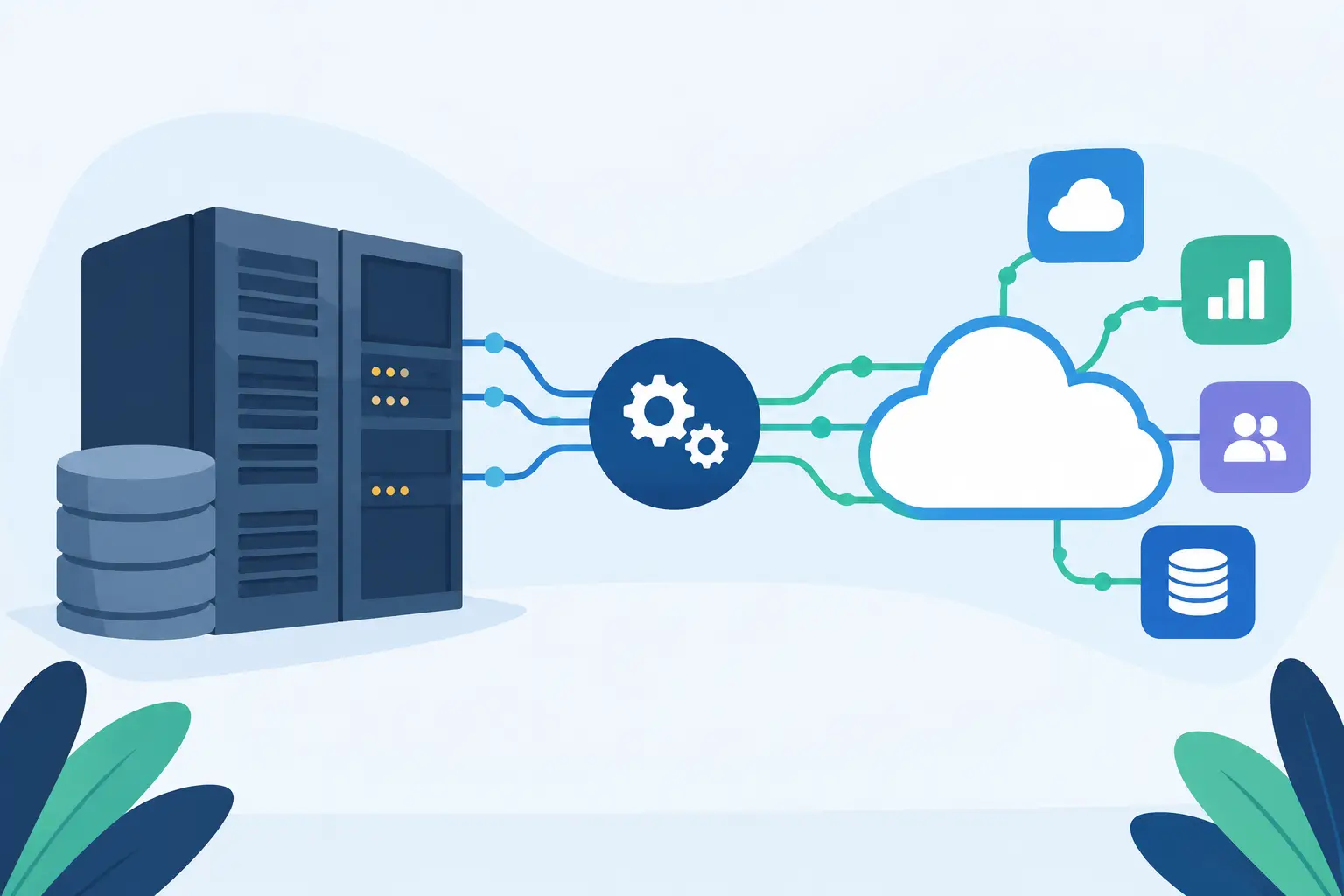
A legacy system rarely announces itself as the problem. It may still process orders, hold years of customer records, calculate payroll, or run a critical workflow that no one wants to disturb. The friction appears around it: teams export spreadsheets, customers wait for updates, and new product ideas stall because data cannot move where it needs to go. This guide to legacy system integration is for leaders who need to modernize without putting the business at risk.
The goal is not to replace every older platform. It is to make the right systems work together reliably enough to improve speed, visibility, and customer experience. For a growing business, that means treating integration as a business decision first and a technical project second.
Start With the Business Constraint, Not the Technology
A common mistake is beginning with an API, middleware platform, or a proposed system replacement. Those decisions matter, but they come after a more useful question: what is the current environment preventing the business from doing?
Perhaps your operations team spends 20 hours a week reconciling inventory across systems. Perhaps sales cannot see current account information without asking finance. Or perhaps a new AI feature needs access to historical data trapped in an on-premise application. Each problem points to a different integration priority, level of urgency, and acceptable level of risk.
Define the outcome in measurable terms. Examples include reducing order-processing time, lowering data-entry errors, shortening customer response times, or making a new product launch possible by a specific date. This creates a decision filter when technical options multiply. An integration that is elegant but does not improve a meaningful business metric is not the first investment to make.
It also helps to identify the process owner early. Technology teams can build the connection, but the people who use the workflow must confirm whether the result actually works. A finance leader, operations manager, or customer support lead should have a clear role in defining requirements and approving the outcome.
Map the Current State Before Designing the Future
Legacy environments often contain more dependencies than leadership expects. A database may feed a reporting tool through a scheduled export. A desktop application may rely on a shared network folder. A critical business rule may live in a spreadsheet maintained by one employee. Replacing or connecting one component without understanding these dependencies can create expensive failures.
A practical discovery phase should document the systems involved, the data they own, the users they support, and the way information moves between them. Include manual steps. They are often the clearest evidence of integration gaps and can expose undocumented rules that need to be preserved or redesigned.
For each connection, establish four basics: what data moves, how often it moves, which system is the source of truth, and what happens when the transfer fails. The last question is routinely overlooked. If a customer record fails to sync, does someone receive an alert? Is the record retried? Can a user correct it without engineering support? These details determine whether an integration can operate reliably after launch.
Data quality deserves the same scrutiny. If duplicate customer IDs, inconsistent product names, or missing dates already exist, an integration can spread bad information faster. Sometimes the right first project is data cleanup and governance, not a new connector.
Choose an Integration Approach That Matches the Job
There is no universal best architecture. The right approach depends on the age of the system, available interfaces, security requirements, transaction volume, budget, and the expected lifespan of each application.
When a legacy platform has a stable API, direct API integration can be efficient and relatively quick to implement. It gives teams timely data exchange and clear control over the experience. The trade-off is maintenance: if either system changes its API or data model, your team needs to monitor and update the connection.
For systems that do not offer modern APIs, database-level integration, file exchange, or controlled automation may be appropriate. Batch file transfers can be perfectly sensible for overnight financial reporting or daily inventory updates. They are less suitable when a customer expects immediate confirmation or when decisions depend on current data.
Middleware or an integration platform can make sense when several systems need to exchange data and monitoring is a priority. It can reduce the number of point-to-point connections and provide clearer logging and error handling. However, it adds another platform to manage and can be excessive for a focused two-system use case.
Screen-based automation should be a last resort, but it is sometimes a practical bridge when an older application has no supported interface and replacement is not immediately feasible. Treat it as temporary infrastructure. User interface changes can break automations, and the process requires careful monitoring.
The key is to avoid building for an imagined enterprise future while ignoring the current business case. A focused integration that removes a high-cost manual process in eight weeks may create more value than a 12-month transformation program that never reaches production.
Design for Failure, Security, and Change
Integration projects fail less often because developers cannot connect systems and more often because operational realities were not designed into the work. Credentials expire. Source systems go offline. Data arrives late. A staff member changes a field name in a platform configuration. A good implementation anticipates these conditions.
Set clear rules for authentication, access permissions, encryption, and audit trails, especially when personal, financial, or health-related information is involved. Apply the principle of least privilege: an integration should access only the data and actions it needs. Security reviews should happen before development is complete, not as a last-minute launch gate.
Error handling needs an owner and a process. Automated retries may resolve temporary service issues, but they should not silently repeat forever. Errors that require human action should be visible to the right team, described in plain language, and linked to a defined response procedure.
Change management matters as well. Document data mappings, business rules, dependencies, and release procedures. This is not bureaucracy for its own sake. It prevents a system from becoming dependent on one developer or one employee who understands why a field is transformed a certain way.
Deliver in Phases and Prove Value Early
A phased delivery model reduces risk and improves decision-making. Start with the workflow that has the strongest combination of business impact, technical feasibility, and stakeholder urgency. Build a thin but production-ready version, validate it with real users, and measure the result before expanding scope.
For example, a distributor might first connect its order management system to its customer portal for shipment status updates. Once that flow is stable, it can add returns, invoicing, and inventory visibility. Each phase creates usable value while revealing data and process issues that would have been hidden in a large upfront program.
Testing should reflect real operating conditions. Use representative records, including incomplete and unusual cases. Test what happens when systems are unavailable, records are duplicated, or values do not match expected formats. User acceptance testing should involve the employees who will work with the new process every day, not only the project team.
After launch, monitor both technical health and business performance. Technical measures may include failed transactions, processing time, and uptime. Business measures might include support ticket volume, fulfillment time, conversion rates, or hours saved from manual work. If the integration does not move the agreed metric, investigate whether the issue is data quality, workflow adoption, or the original assumption about the problem.
When Replacement Is the Better Decision
Integration can extend the useful life of a legacy system, but it cannot fix every limitation. Replacement is often the better choice when the application creates unacceptable security exposure, cannot scale with transaction volume, has no maintainable access method, or requires costly specialist support that is becoming unavailable.
Even then, integration usually remains part of the plan. A replacement system must coexist with older tools during migration, exchange data with the rest of the business, and preserve historical records where needed. The decision is not integration versus modernization. It is deciding where integration is a strategic bridge and where it is merely delaying a necessary change.
For startups and SMEs, the best path is often a roadmap rather than a single large program. Prioritize the connection that removes the biggest constraint now, establish patterns that can be reused, and schedule larger replacement decisions around real growth milestones. Valuedriven approaches this work by tying architecture choices to the operating result a business needs, not to a preferred technology stack.
A legacy system can be a liability, but it may also contain the operational knowledge that helped build the company. Treat it carefully, connect it deliberately, and let each integration earn its place through a measurable improvement in how your business serves customers and makes decisions.