
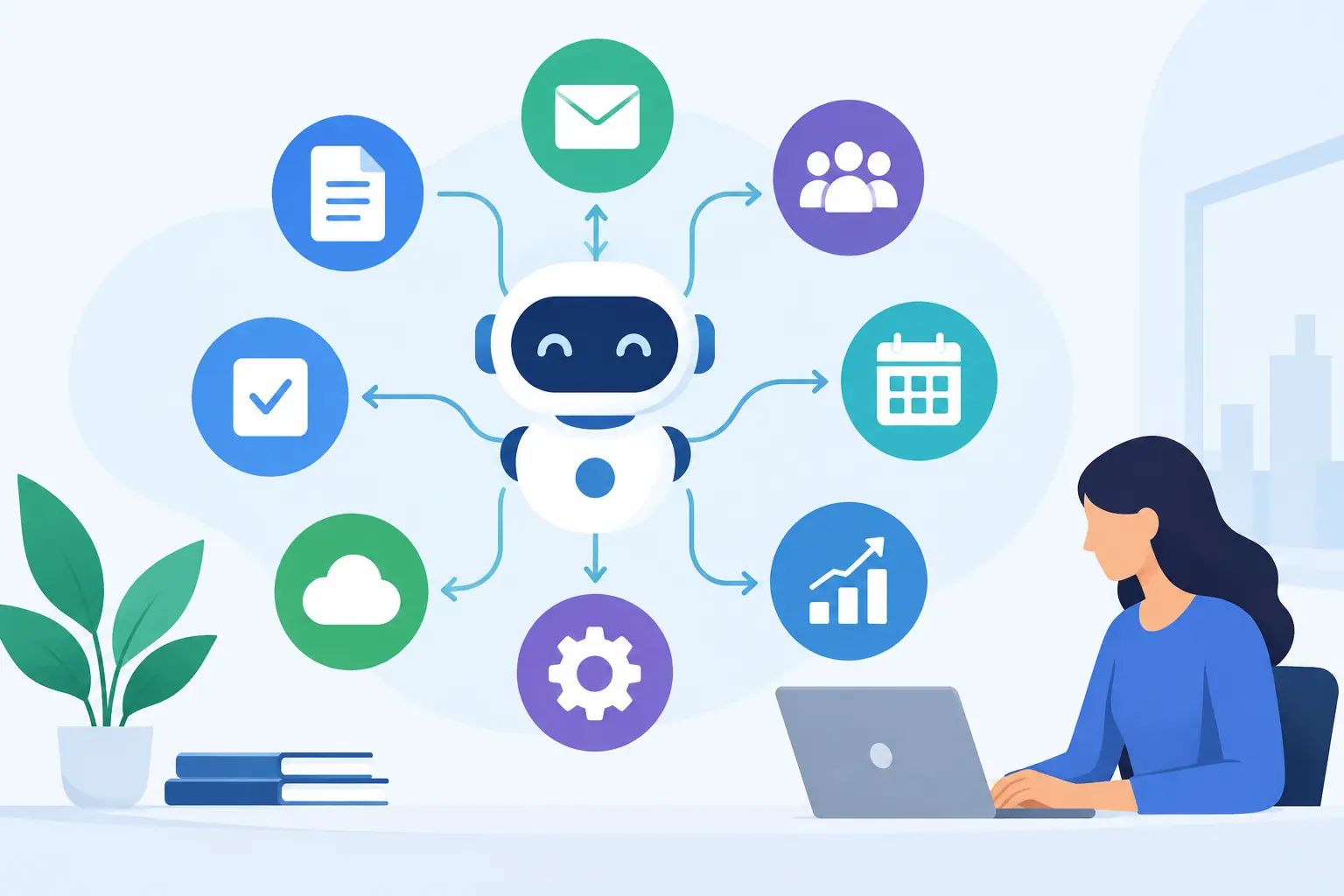
A support queue that grows overnight, a sales team buried in research, and invoices waiting for review are not separate problems. They are signs that repeatable work is consuming skilled people. The most valuable examples of AI workflow automation address those bottlenecks directly, connecting AI capabilities to a clear business process, owner, and measurable result.
For startups and growing businesses, the goal is not to automate every task. It is to remove low-value effort where it slows revenue, service quality, or decision-making. The strongest use cases combine AI with the systems your team already uses, then keep a human accountable for decisions that carry financial, legal, or customer risk.
10 Examples of AI Workflow Automation That Pay Off
1. Qualifying and routing inbound leads
AI can read a form submission, chat transcript, or inbound email, identify the prospect's company size, urgency, industry, and stated need, then enrich the record with available company data. Based on rules your team defines, the workflow can score the lead, assign it to the right salesperson, and draft a relevant first response.
This reduces the delay between interest and follow-up, which matters more than adding another generic nurture sequence. The trade-off is data quality. If your CRM fields are inconsistent or your ideal customer profile is vague, AI will make inconsistent routing faster. Start by agreeing on qualification criteria before building the automation.
2. Turning sales calls into next steps
After a discovery or demo call, an AI workflow can create a summary, pull out objections, identify buying signals, update CRM fields, and generate follow-up tasks. It can also draft a tailored recap email for the account owner to review and send.
This use case helps small sales teams protect selling time while creating better pipeline discipline. Do not let the system invent commitments, pricing, or implementation timelines. Use the recording and transcript as source material, and require the seller to approve any customer-facing message.
3. Classifying customer support tickets
Support teams often lose time reading, tagging, and forwarding requests before anyone starts solving them. AI can classify the issue, detect sentiment and urgency, suggest a priority level, retrieve relevant help-center content, and route the ticket to the appropriate queue.
For common questions, the workflow may prepare a reply for agent review or send an approved answer automatically. Escalations involving refunds, account access, security, or an angry customer should follow stricter rules. Faster first responses are useful, but a bad automated response to a sensitive issue costs more than the minutes saved.
4. Extracting data from invoices and purchase documents
Finance and operations teams frequently receive invoices in different formats, through different channels, with different levels of detail. An AI workflow can extract vendor names, line items, invoice numbers, dates, tax amounts, and totals, then compare the information against purchase orders or contracts.
When the values match expected thresholds, the system can prepare the record for approval and flag exceptions. This cuts rekeying and makes exceptions visible earlier. It does not replace financial controls. Approval limits, duplicate checks, and audit trails still need to sit around the workflow.
5. Producing weekly operating reports
Many leaders spend Monday morning chasing updates across project management tools, CRMs, spreadsheets, and Slack. AI can collect defined metrics, identify significant changes, summarize blockers, and draft a weekly operating report in a consistent format.
The value is not a prettier report. It is a faster view of where attention is needed: slipping delivery dates, declining conversion rates, unresolved customer issues, or budget variance. Keep the underlying metrics visible. A narrative summary is helpful, but leadership teams need a way to verify the numbers behind it.
6. Reviewing job applications against role criteria
For high-volume hiring, AI can extract candidate information, compare it with required qualifications, identify missing details, and organize applicants into review groups. It can also draft interview questions based on the role and a candidate's experience.
This gives hiring teams more time for structured assessment and candidate communication. It should not make final hiring decisions. Resume screening can amplify biased historical patterns or overvalue keyword matching. Define objective role criteria, monitor outcomes, and keep people responsible for selection decisions.
7. Creating first drafts from approved knowledge
Marketing, customer success, and internal operations teams regularly answer similar questions in slightly different forms. An AI workflow can pull from approved product documentation, brand guidelines, past proposals, or policy documents to create a first draft of an email, brief, knowledge-base article, or client update.
The key word is approved. This works best when the source content is current, organized, and specific. A draft built on outdated positioning or an incomplete policy creates rework. Assign ownership for the knowledge base before expecting AI to produce reliable outputs from it.
8. Monitoring contracts and renewal obligations
AI can extract key fields from contracts, including renewal dates, notice periods, payment terms, service-level commitments, and nonstandard clauses. The workflow can create calendar reminders, assign owners, and flag agreements that need review before an automatic renewal window closes.
This is especially useful for companies that have outgrown ad hoc contract management but do not need a large enterprise legal platform. Because contract language carries real risk, use AI to surface and organize information rather than to provide legal interpretation without qualified review.
9. Detecting and triaging product feedback
Product feedback arrives through support tickets, app reviews, sales calls, survey responses, and social channels. AI can consolidate those inputs, group similar requests, identify recurring themes, and connect feedback to customer segments or revenue opportunities.
A product leader can then review a weekly digest that distinguishes a loud one-off complaint from a pattern affecting strategic customers. This does not replace product discovery. It gives the team a better starting point for deciding what deserves interviews, analysis, and roadmap space.
10. Managing project intake and delivery handoffs
When a new request enters the business, AI can turn an unstructured brief into a standardized intake record. It can identify missing requirements, categorize the work, suggest a delivery owner, create initial tasks, and prepare a project brief using a proven template.
For service businesses and internal product teams, this reduces the loss of context between sales, strategy, design, and engineering. The workflow should ask clarifying questions when information is incomplete rather than pretending it has a complete specification. Clear handoffs are a business process improvement first and an AI use case second.
How to Prioritize AI Workflow Automation Examples
The right starting point is usually not the most impressive demonstration. It is a process with enough volume to matter, clear inputs and outputs, and a measurable cost of delay or error. A five-minute task performed twice a month is rarely a priority. A ten-minute task performed 40 times a day may justify focused implementation quickly.
Assess each candidate through four practical questions: How often does it happen? How consistent are the inputs? What happens if the output is wrong? Can you measure improvement in time, cost, conversion, response speed, or quality? The answers will show whether a workflow should be fully automated, used as a human-assist tool, or left alone.
Start with one narrow workflow and establish a baseline. If lead response currently takes six hours, measure whether automation brings it to 30 minutes. If invoice processing requires eight minutes per document, track the exception rate and time saved after launch. Business value becomes easier to defend when the metrics are agreed on before implementation.
Build for control before scale
AI workflows need more than a model and a prompt. They need reliable connections to your systems, defined approval steps, access controls, monitoring, and an owner who can improve the process as conditions change. A workflow that works in a pilot can fail in production when a source system changes, document formats vary, or the volume increases.
For many teams, the best path is a short discovery phase followed by a limited production deployment. Map the current workflow, select the highest-value decision points, establish the human review requirements, and test against real examples. Once the team trusts the results, scale the automation across more channels or business units.
Choose an automation opportunity where the result will be visible to the people doing the work. A better handoff, a shorter response window, or fewer repetitive reviews creates momentum. That momentum is often what turns an isolated AI experiment into a disciplined capability that supports growth.